Once children can count and write numbers, the next step is using those numbers: naming 1st, 2nd and 3rd in a line, splitting a whole into parts, seeing those parts as pizza slices, adding, taking away, counting coins, reading a clock, reading a pictograph, and learning times tables. These generators stay on that side of maths. Counting, number writing and skip counting live on the Counting & Numbers hub, so the two pages do not repeat the same worksheets.
Ages: Ages 4–8 · Preschool through Grade 2
Skills: Ordinal numbers · Number bonds · Fractions · Pictographs · Column addition · Column subtraction · Take-away · Measurement · Full and empty · Indian rupees · Telling time · Multiplication facts · Exact division
How to use these tools
- Pick a worksheet type below.
- Set the difficulty, coin set, clock level, or factor range.
- Add your child’s name if you like.
- Print or Save as PDF from your browser.
- Start with number bonds, then money or clocks, then multiplication when facts are ready.
Start here
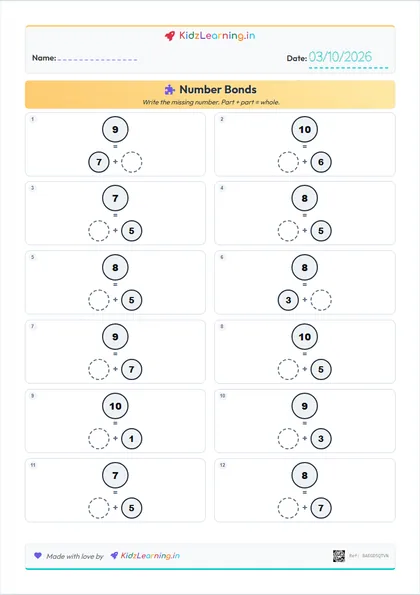
Number Bonds
Learn how numbers split into parts.
View Activity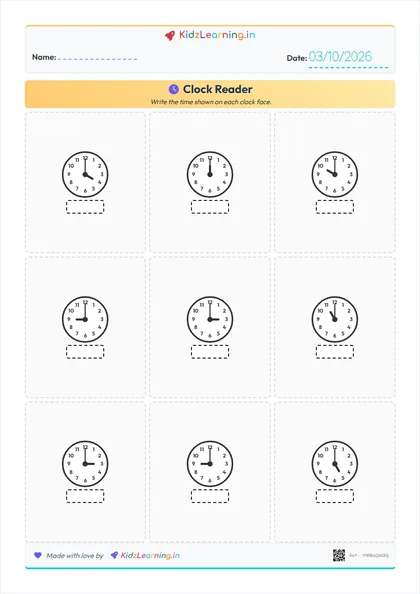
Clock Reader
Learn to tell time with clock faces.
View ActivityMoney
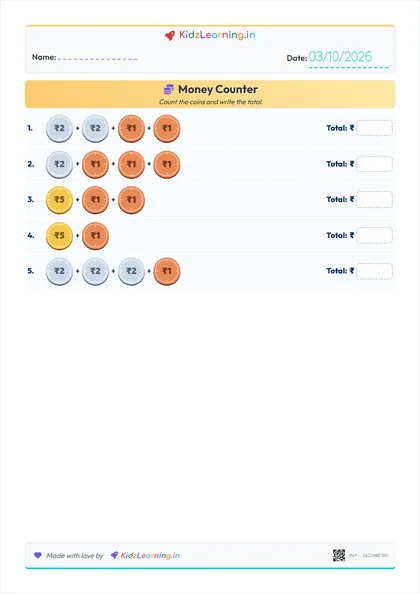
Money Counter
Add Indian rupee coins and write the total.
View Activity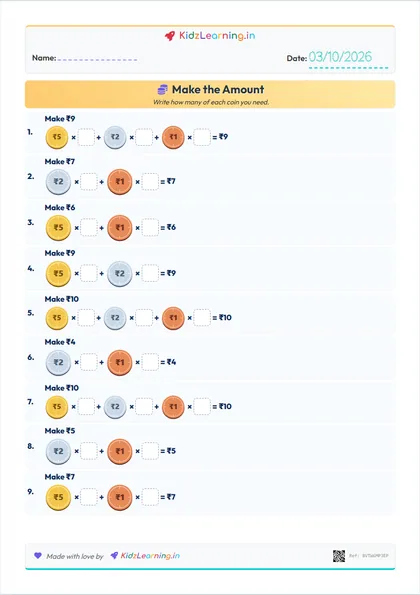
Make the Amount
Build target amounts in different ways using coins.
View ActivityPosition
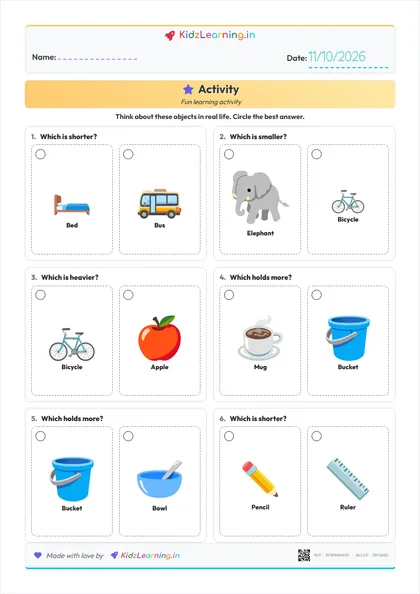
Measure & compare
Measuring Length
Compare longer and shorter, then count cubes.
View Activity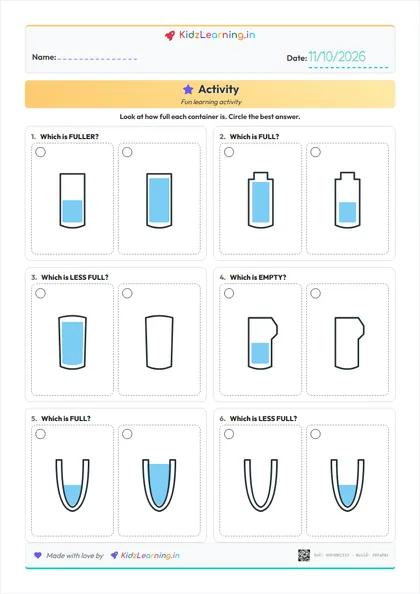
Full, Empty & Fuller
Circle empty, full, half-full or fuller containers.
View ActivityFractions
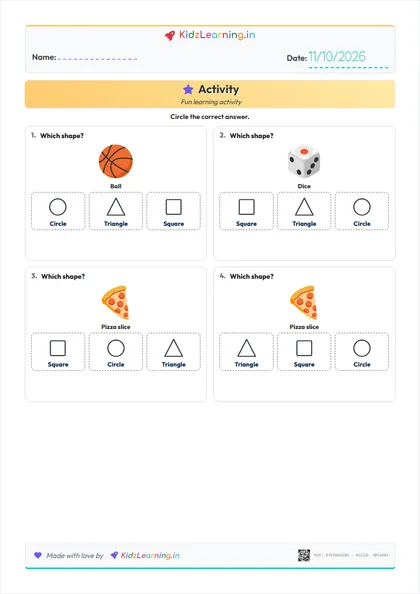
Shapes
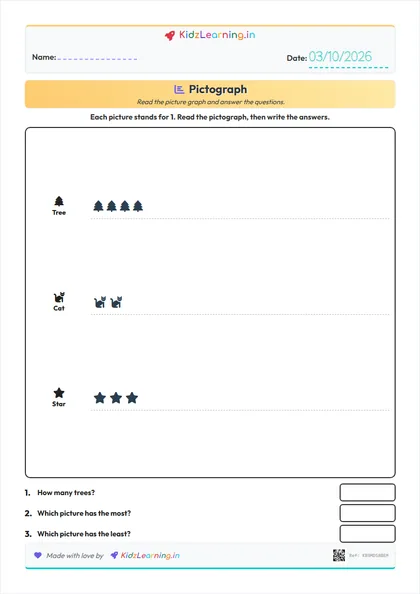
Data
Operations
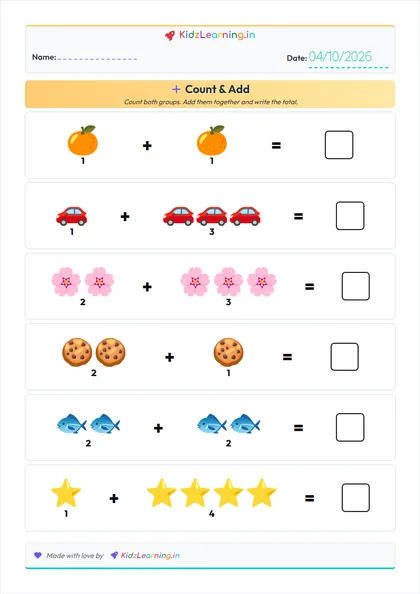
Picture Addition
Count two groups, add them, and write the total.
View Activity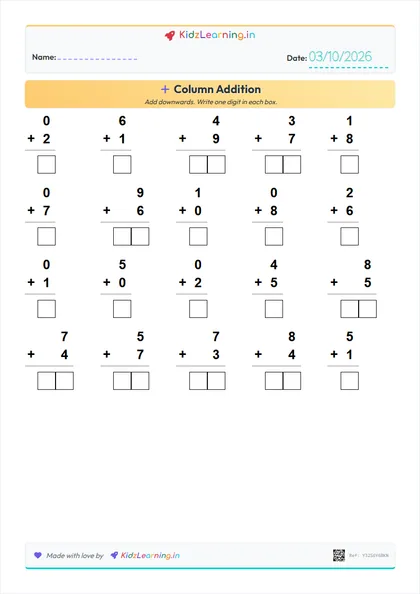
Column Addition
Vertical addition with one box per answer digit.
View Activity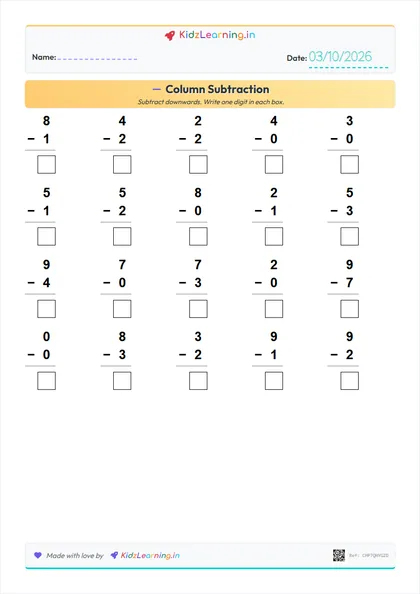
Column Subtraction
Stacked subtraction with handwriting answer boxes.
View Activity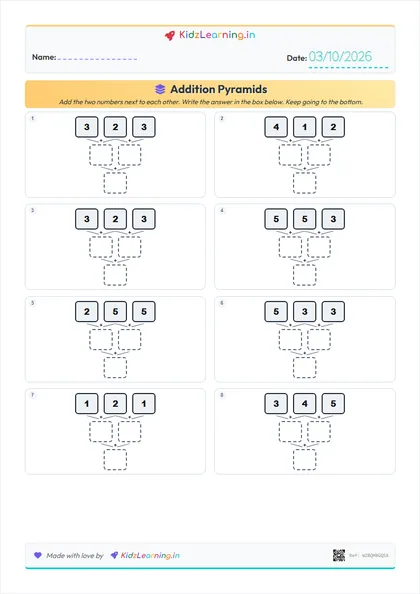
Addition Pyramids
Solve pyramids by adding blocks together.
View Activity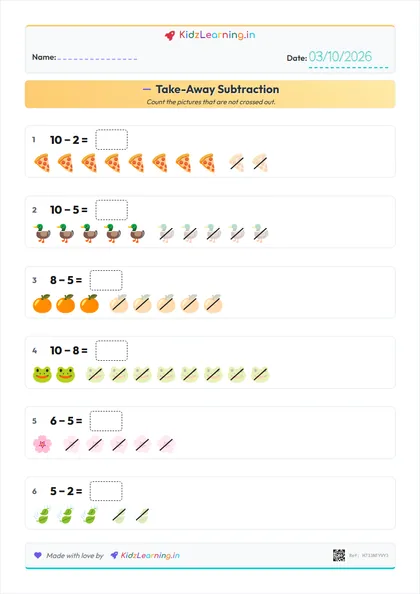
Take-Away Subtraction
Cross out pictures and count how many are left.
View Activity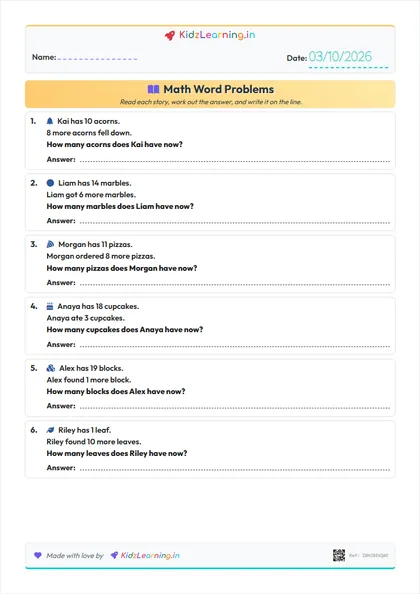
Math Word Problems
Read a short story, then add or subtract to find the answer.
View Activity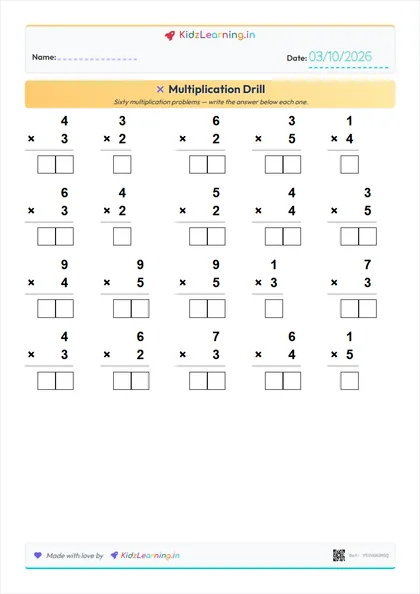
Multiplication Drill
Generate custom multiplication worksheets with any number range.
View Activity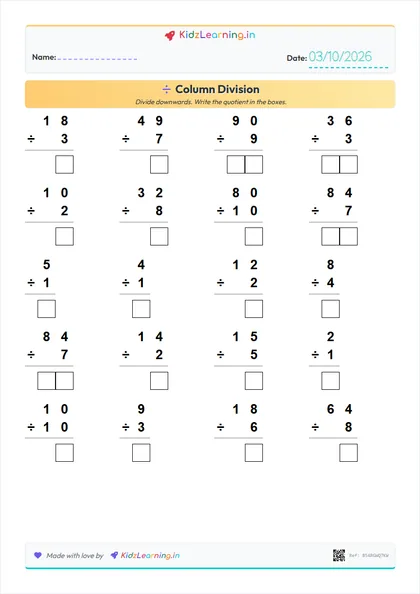
Column Division
Exact division worksheets with one box per quotient digit.
View ActivityUseful from counting
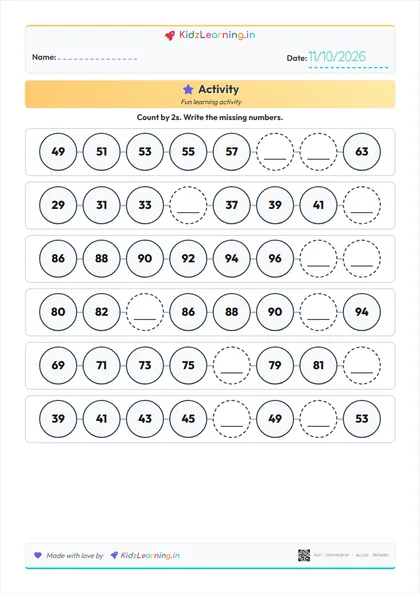
Skip Counting
Fill the missing numbers while counting by 2s, 5s or 10s.
View Activity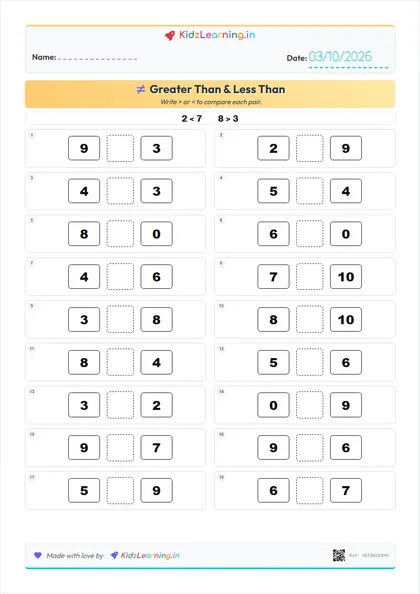
Greater Than & Less Than
Use the alligator to compare numbers!
View Activity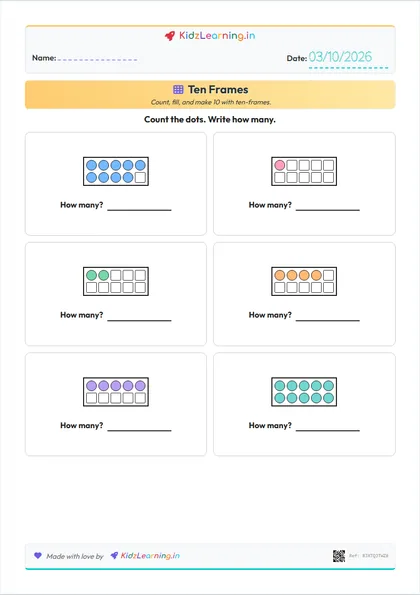
Ten Frames
Count, fill, and make 10 with ten-frames.
View ActivityHow these worksheets fit together
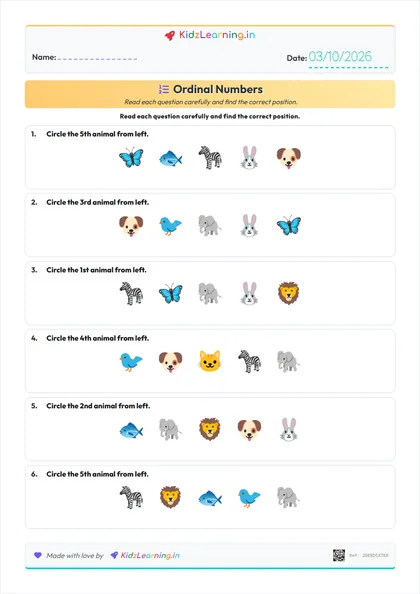
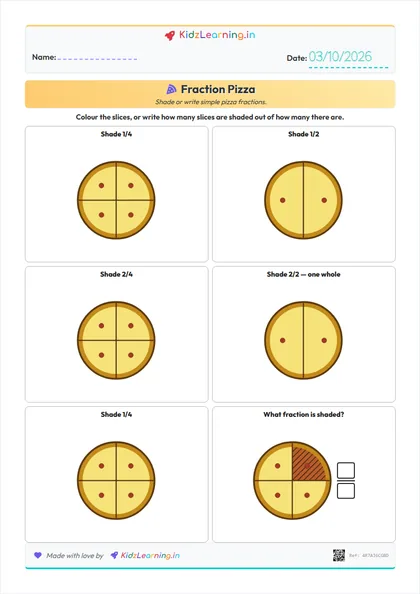
Ordinal Numbers comes first for many four-year-olds: count a row from left to right and find the 1st, 2nd or last picture. Number Bonds is the next gentle step: the child only has to see that two parts make a whole. Fraction Pizza makes that idea visual — equal pizza slices that the child shades or names as 1/2, 1/3 or 3/4, without reducing equivalent fractions. Addition Pyramids turn part–whole into a chain of sums. Column Addition and Column Subtraction are the stacked, boxed-answer drills that follow those picture tools. Take-Away Subtraction is the opposite move: some pictures are crossed out, and the child counts how many are left. Money Counter uses the same adding skill with Indian rupee coins, so the total is something a child might actually spend. Measuring Length sits beside those number tools: children compare longer and shorter bars, then count equal cubes — not centimetres. Full, Empty & Fuller is the fill-level partner: children circle empty, full, half-full or fuller cups, not how much a jug can hold. Pictograph is the first data step: the sheet generates a small picture graph, then asks how many, most and least. Clock Reader is a different kind of number work — reading hour and minute hands rather than adding. Multiplication Drill and Column Division come last, once skip counting is already comfortable. Greater Than & Less Than and Skip Counting stay on the Counting hub; they appear here only as the bridge into this page, not as a second home.