Puzzles teach children to look before they act. Each of these free generators asks for a different kind of thinking—matching a picture to its shadow, planning a route, copying a pattern, spotting what does not belong, or searching a busy grid—and every one produces a fresh sheet each time you generate, so the same puzzle is never solved twice from memory.
Ages: Ages 3–7 · Preschool through Grade 2
Skills: Logical reasoning · Visual discrimination · Visual memory · Pattern recognition · Spatial planning · Sequencing · Symmetry · Classification · Visual scanning · Concentration
How to use these tools
- Pick a puzzle type below.
- Set the size, grid or difficulty level.
- Generate again for a completely new puzzle.
- Print or Save as PDF from your browser.
- Let your child finish unaided—struggling briefly is where the thinking happens.
Start here
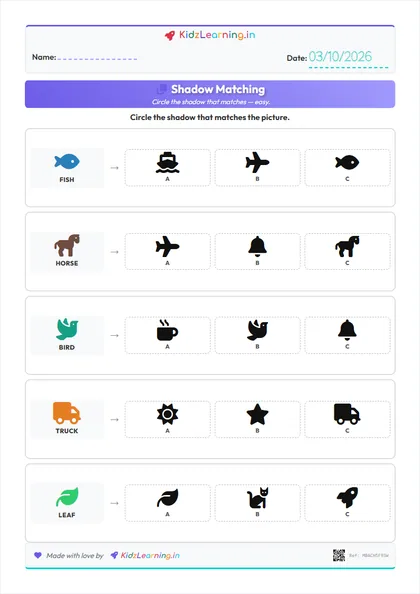
Shadow Matching
Match each picture to its shadow.
View Activity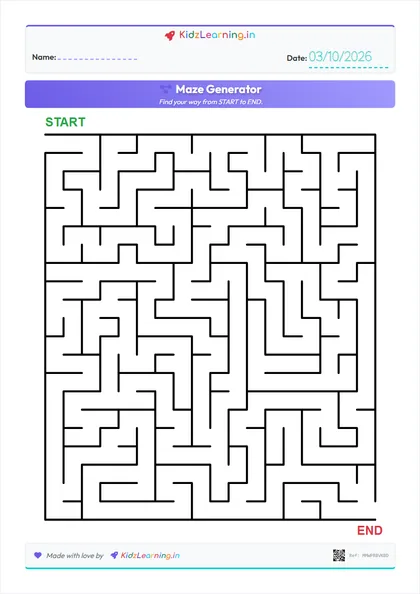
Maze Generator
Infinite unique mazes for problem solving.
View Activity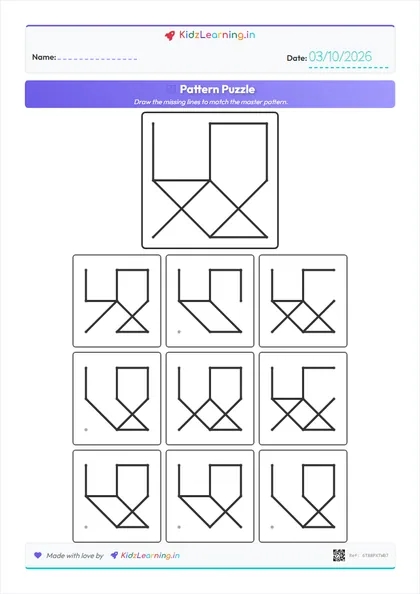
Pattern Puzzle
Complete the missing lines to match.
View Activity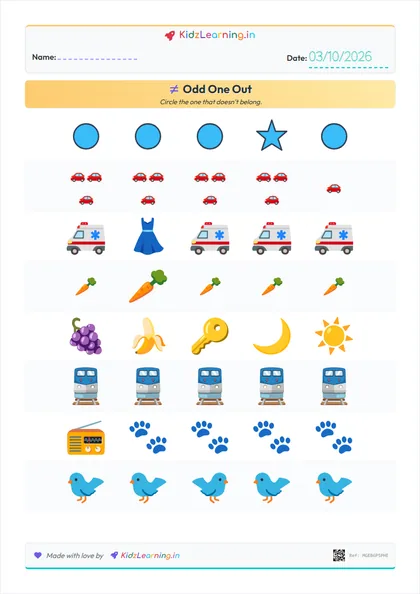
Odd One Out
Circle the item that does not belong in each row.
View ActivityMatch, spot & sort
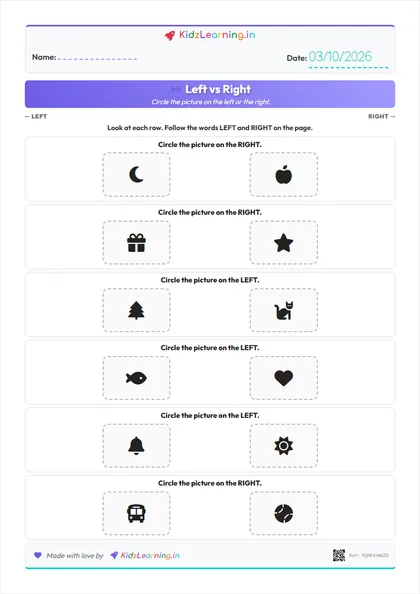
Left vs Right
Circle the picture on the left or the right.
View Activity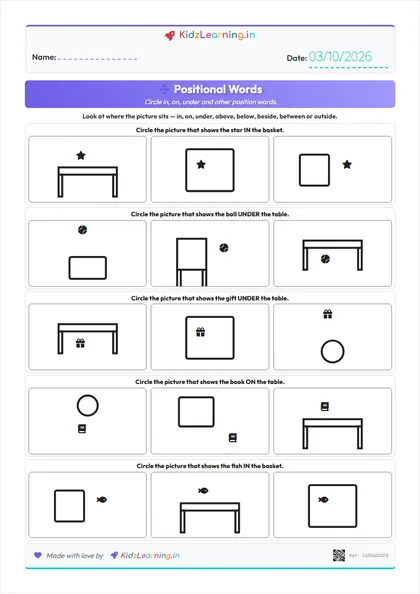
Positional Words
Circle in, on, under and other position words.
View Activity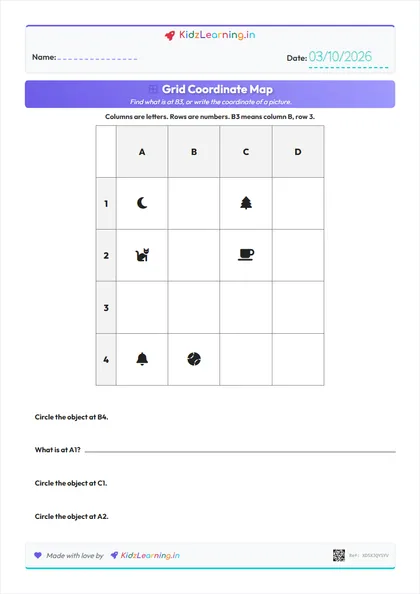
Grid Coordinate Map
Find what is at B3, or write the coordinate.
View Activity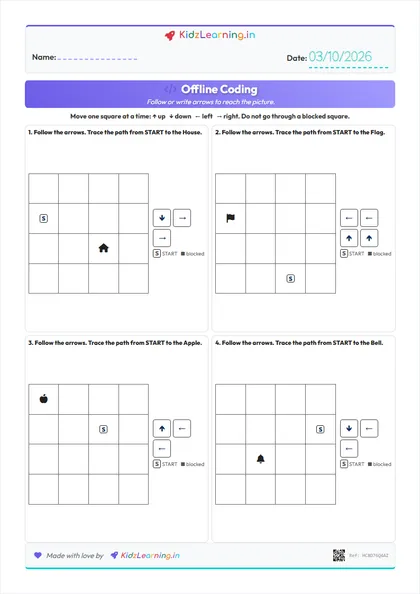
Offline Coding
Follow or write arrows to reach the picture.
View Activity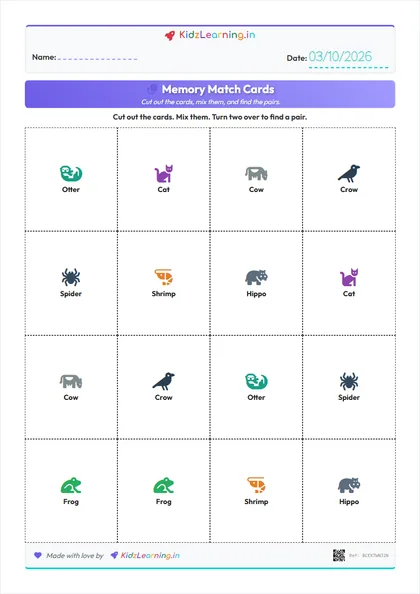
Memory Match Cards
Print, cut and play a picture memory game.
View Activity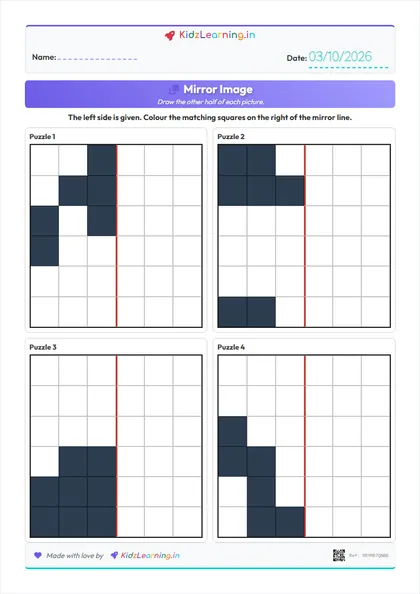
Mirror Image
Draw the other half of a grid picture.
View Activity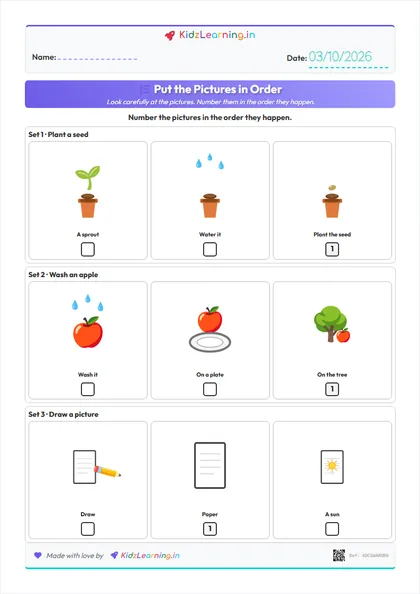
Picture Sequencing
Number the pictures in the order they happen.
View Activity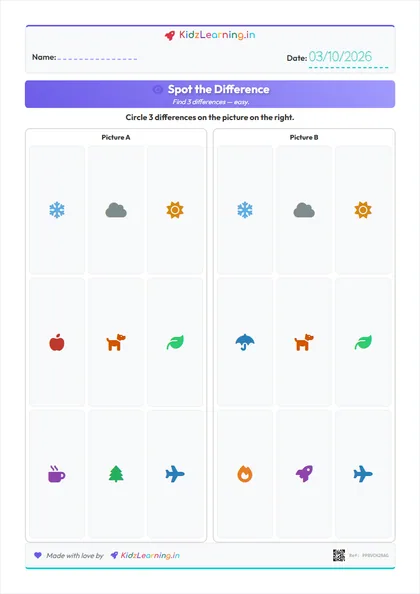
Spot the Difference
Circle what changed between two pictures.
View Activity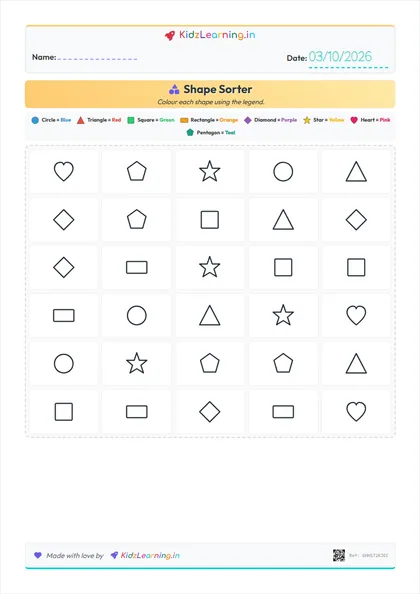
Shape Sorter
Color shapes by type to develop visual discrimination.
View ActivityAlso useful for puzzle solvers
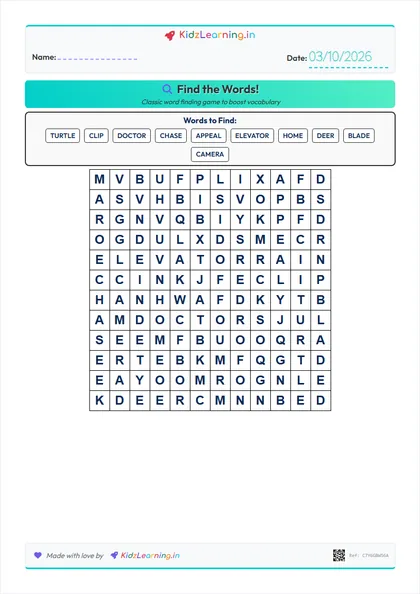
Word Search
Classic word finding game to boost vocabulary.
View Activity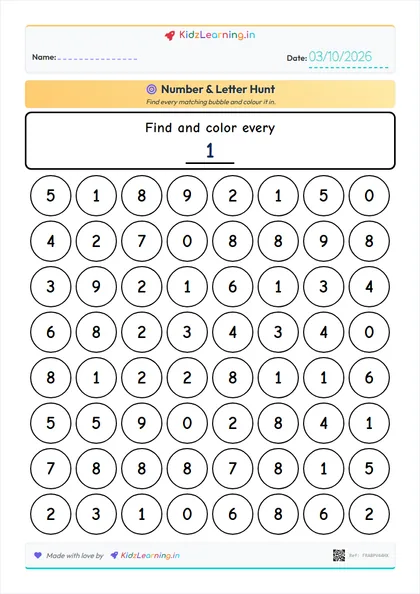
Number & Letter Hunt
Find and colour a target number or letter in a bubble grid.
View ActivityHow these worksheets fit together
Shadow Matching is the gentlest starting point for ages 3–5: the child only has to match a picture to its silhouette, which is visual discrimination in miniature. Left vs Right teaches page position next: circle or colour the picture on the left or the right of the printed page — not a character’s hands. Positional Words is a different skill: the child reads a schematic scene and finds in, on, under, above, below, beside, between or outside. Memory Match Cards turns that into a cut-and-play game: print the pairs, cut them out, and turn two cards at a time. Spot the Difference asks them to compare two almost-identical scenes and circle what changed. Odd One Out asks them to explain why one picture does not belong. Shape Sorter turns that into a sustained task—hold a rule from the legend in mind while scanning a whole page. Pattern Puzzle shifts from choosing to reproducing, since copying a master pattern line by line demands close attention to detail. Sequence Story asks for first, next and last: the pictures are shuffled and the child numbers them in time order. Mirror Image asks for exact reflection: the left half is given and the child colours the matching squares across the centre line. Grid Coordinate Map is a labelled letter-number map, not a maze: children read a square such as B3 or write the coordinate of a picture. Offline Coding is the next step: the child follows or writes ↑ ↓ ← → arrows from START to a picture. Mazes come last because they need forward planning: a child has to look ahead, recognize a dead end before entering it, and backtrack without giving up. Word Search and Find & Color Hunt sit alongside all of these as visual scanning practice, useful when a child needs a calmer, more repetitive puzzle.